
As we get into September, it’s a good bet that Apple will soon—either this month or next—be pushing out major upgrades for macOS, iOS, iPadOS, watchOS, and tvOS. Apple previewed these new versions at its Worldwide Developers Conference back in June, and they’ve been in public beta for a few months. Once Apple makes macOS 11 Big Sur, iOS 14, iPadOS 14, watchOS 7, and tvOS 14 available, the question looms large—when should you install them?
(Note that we say when and not if. There’s no harm in delaying a major operating system upgrade until Apple has squashed early bugs. But waiting too long puts you at risk from security vulnerabilities and prevents you from taking advantage of compelling new features. Plus, when you buy a new Mac, iPhone, or iPad after these operating systems have shipped, you’ll get the new version, and it may not even be possible to downgrade. It’s best to be prepared in the event that you’re forced to replace one of your Apple devices unexpectedly.)
macOS 11 Big Sur
We’ll start with the hardest decision—when should you upgrade to macOS 11 Big Sur? Last year, macOS 10.15 Catalina shipped with quite a few problems, and we recommended holding off on the upgrade for most people for at least several months. Even now, we have people for whom we’ve recommended staying on 10.14 Mojave for the time being. It’s too early to have a sense of how stable Big Sur will be, but we hope that Apple will have learned its lesson with Catalina and will ship a more stable release.
Note that Big Sur requires a Mac released in 2013 or later; some 2012 models that were compatible with Catalina won’t be able to make the trip to Big Sur.
The change that puts the “big” in Big Sur is the one you’re least likely to notice at first: support for a Mac with Apple silicon. As we’ve mentioned before, Apple has promised to release a Mac using a custom Apple CPU instead of the Intel chips that have powered Macs for years. Only Big Sur will work on that Mac, whatever it turns out to be. But that’s no reason to upgrade your current Intel-based Macs right away.
More obvious is that Apple has put a lot of design effort into the user interface of Big Sur. Windows, menus, dialogs, sidebars, and even icons have all received design updates. You may or may not like the new look more than the old, but again, it’s not a big reason to upgrade quickly for most people.
On the plus side, Apple has worked on smaller features that might improve your everyday user experience. A new Control Center, much like what you’re accustomed to on the iPhone and iPad, provides quick access to controls from System Preferences in a single place. Notifications are now grouped by thread or app, and interactive notifications let you do more without opening the associated app.
Apps see minor enhancements as well. Safari receives a new start page, shows more tabs at once, displays a preview of a site when you hover over a tab, translates pages into seven languages, provides more privacy details, and checks if your passwords have been involved in a data breach. Messages lets you pin important conversations, thread messages in group conversations, and direct messages to individuals in a group conversation with an @name. Apps such as Photos, Reminders, and Notes also get enhancements, and your AirPods will switch between your devices more seamlessly.
Nonetheless, we recommend waiting until at least version 11.0.1 or even 11.0.2 before upgrading. That gives you time to make sure your key apps are fully compatible with Big Sur and for Apple to resolve any unanticipated problems. And don’t hesitate to get in touch with us to ask for personalized upgrade advice given your particular needs.
iOS 14
While we urge caution with macOS updates, iOS updates are an easier decision. In part, that’s because Apple usually releases new iPhones simultaneously and the company wants to make sure the new version of iOS works well for those who buy new hardware. iOS 14 runs on the same devices that can run iOS 13; basically the iPhone 6s and later.
iOS 14 brings some of the most significant changes to the user experience that Apple has made in years. You can now embed widgets—in different sizes—on your Home screen, so you can see your calendar, weather, or headlines at a glance. A new App Library automatically organizes your apps and provides a full list. Plus, you can hide Home screens that hold seldom-used apps. Apple also shrunk the interfaces for phone calls, Siri, and searching, so they no longer take over the entire screen.
As in Big Sur, Messages gets pinned conversations, threaded conversations, and mentions of specific people. Maps gains cycling directions, alerts for speed cameras, routing for electric vehicles, and guides for the best places to visit in cities. The Camera app can take photos more quickly; you can put FaceTime calls into thumbnails using Picture in Picture; and Music now lets you search for songs by genre, mood, and activity.
There are new features too. App Clips are small parts of an app that let you accomplish a task—renting a scooter, ordering from a coffee shop while waiting in line, getting more info about a museum exhibit—by scanning an NFC tag or a QR code. A new Translate app lets you converse with someone in one of 11 languages with real-time translation. With new cars that support it, Car Keys lets you unlock and start your car using your iPhone. AirPods switch automatically between your devices, and the AirPods Pro gain “spatial audio” that provides a movie theater experience by placing sound within a space.
No single feature of iOS 14 may be life-changing, but we anticipate that lots of people will appreciate its enhancements. We think it’s a good upgrade. Give it a few weeks to make sure there isn’t a major gotcha that Apple missed, but after that, install when you have some time to play with the new features.
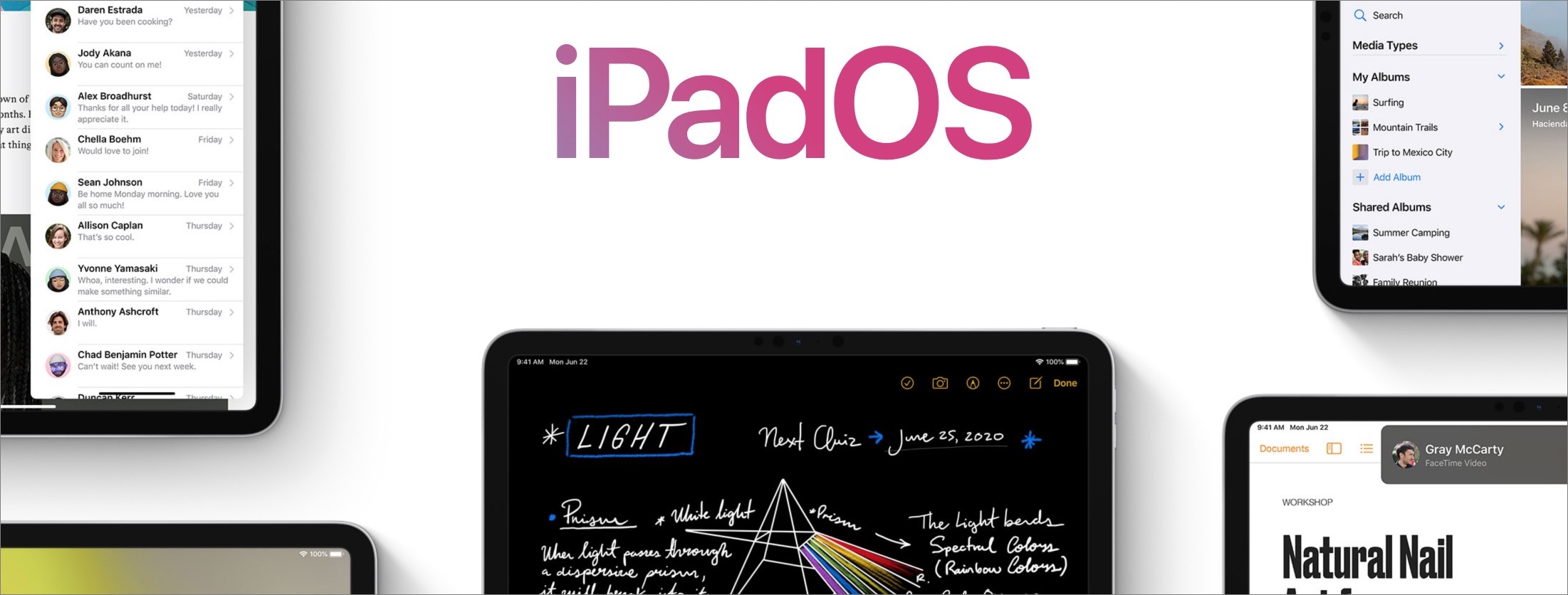
iPadOS 14
Remember, despite the different name, iPadOS is basically iOS with added iPad-specific features and a few iPhone-specific bits removed. So most of what’s new in iOS 14 is also coming to your iPad in iPadOS 14. Plus, Apple has updated the iPadOS interface in ways, such as the increased use of sidebars, that make it more Mac-like. As with iOS 14, iPadOS 14 runs on all iPads that support iOS 13.
One of those iPad-specific features is Scribble, which lets you handwrite in any text field with an Apple Pencil. You can also select and delete words with Scribble, and touch and hold to add a space. Notes also adds numerous Apple Pencil-related features, including smart selection of text, a Copy as Text command for converting handwriting to typed text, dragging to select, and even shape recognition that cleans up roughly sketched shapes.
For those who already rely heavily on the Apple Pencil, we think iPadOS 14 will be a no-brainer upgrade. As with iOS 14, though, it’s probably best to wait a week or so to install, or at least until you’re certain that your key apps have been updated to be compatible.
watchOS 7
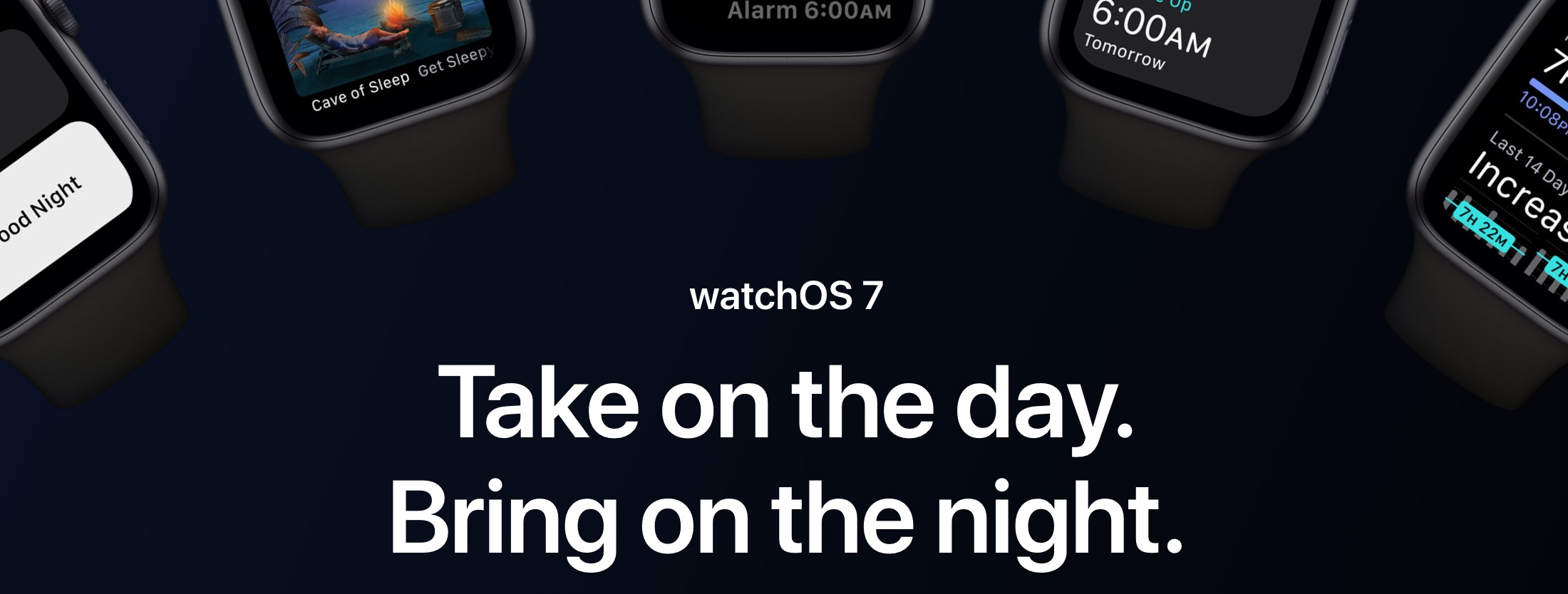
Once you’ve updated your iPhone to iOS 14, there’s no reason not to update to watchOS 7, assuming you have an Apple Watch Series 3 or later. As with previous upgrades, it’s not huge, but you might like some of the new capabilities. Chief among them is sleep tracking for those who either need help getting a good night’s sleep or are curious about how they’re sleeping. watchOS can now tell if you’re washing your hands for the requisite 20 seconds and even remind you to do so upon arriving home.
Apple has renamed the Activity app to Fitness and turned it into a streamlined fitness dashboard. The Workout app can now track core training, dance, functional strength training, and cooldowns. And finally, a new hearing-related feature can tell you how loudly you’re listening to audio through headphones and when such levels could cause harm.

tvOS 14
Apple doesn’t say much about tvOS 14. This new operating system version will install itself at some point after release. It features a new Home app for those who do HomeKit-based automations, can display video from HomeKit video doorbells while you’re watching TV, extends its Picture in Picture capabilities, lets you use two pairs of AirPods to listen simultaneously, and supports more gaming controllers. It also reportedly provides better 4K video support and lets you stream 4K video from an iPhone. It will work on the fourth-generation Apple TV (also known as the Apple TV HD) and the Apple TV 4K.
Upgrading to a new operating system can feel like a big step, but this batch of upgrades looks like they’ll be easier to get used to than most. We think they come with a low risk of trouble, a nice collection of enhancements, and reasonable design tweaks that move the interface forward. But even still, make sure your essential apps are compatible and update your backups before you consider upgrading!
AI Usage Transparency Report
Pre-AI Era · Written before widespread use of generative AI tools
AI Signal Composition
Score: 0.05 · Low AI Influence
Summary
The article discusses the upcoming major upgrades for Apple's operating systems, including macOS 11 Big Sur, iOS 14, iPadOS 14, watchOS 7, and tvOS 14. The author recommends waiting until at least version 11.0.1 or even 11.0.2 before upgrading to Big Sur, but suggests installing iOS 14 and iPadOS 14 as soon as possible.
Related Posts
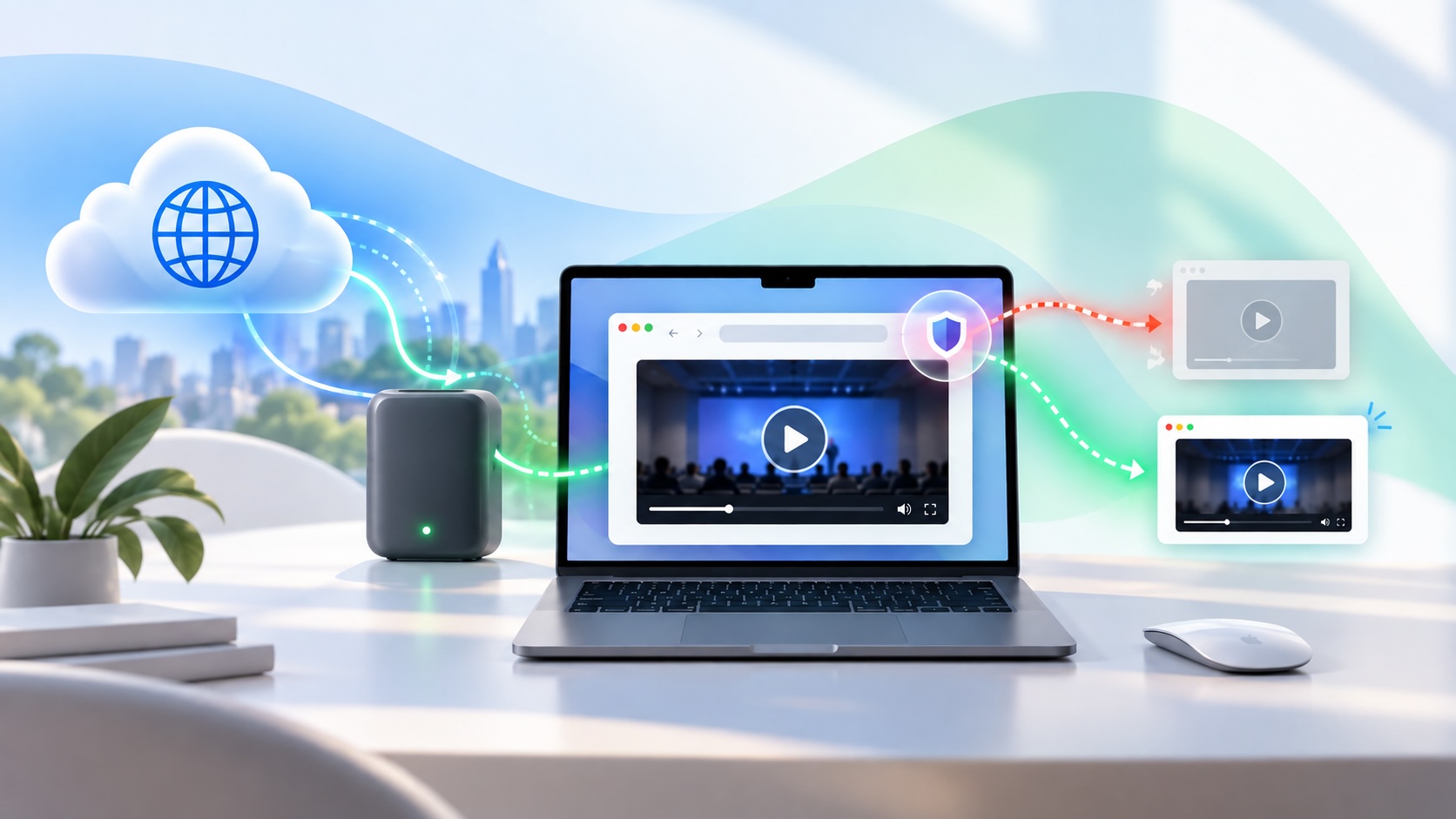
When Chromium Mistakes Your VPN for a Local Network
Turning off Jamf Trust fixed the webinar, which normally would have sent me straight to its routing policies. This time the route was fine: Chromium was treating Jamf's ZTNA broker addresses as a local network, and an Edge and Chrome preference corrected it.
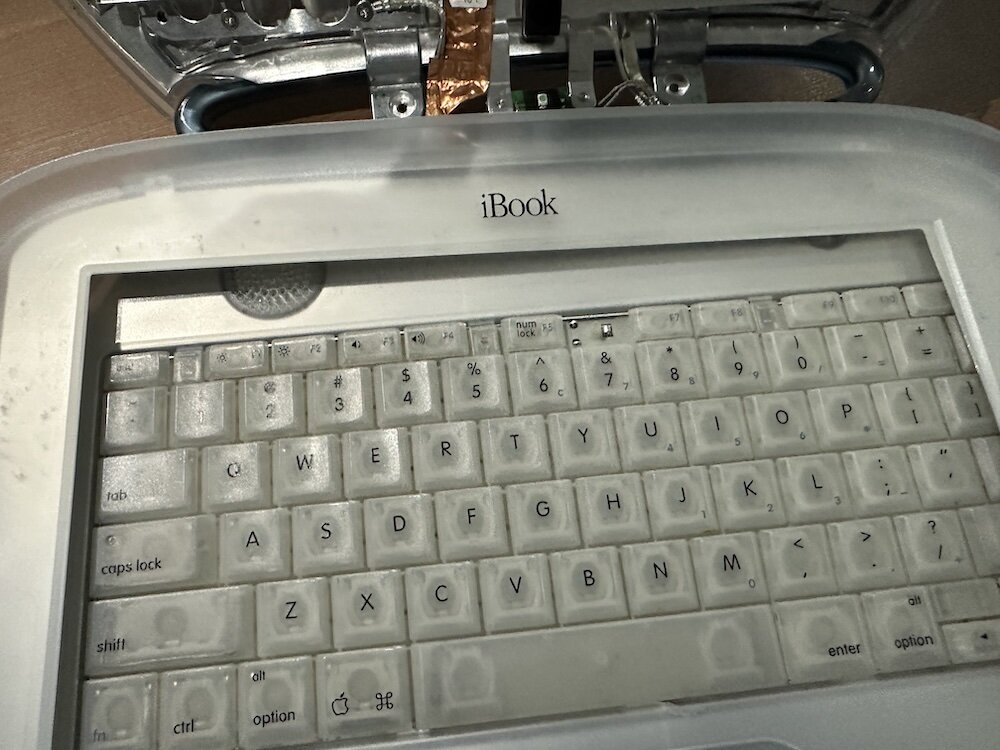
Clamshell iBook G3 Restoration, Part 1: From Broken Screen to Board-Level Repair
Part one of a Clamshell iBook G3 restoration: a broken screen, a charger detour, a blinking system folder, a full teardown, and the backlight connector mistake that paused the project.

Bromure Gives Codex a Room of Its Own
I installed Bromure Agentic Coding, watched it build the Linux VM, authenticated Codex, and followed a real Codex task through the workspace.
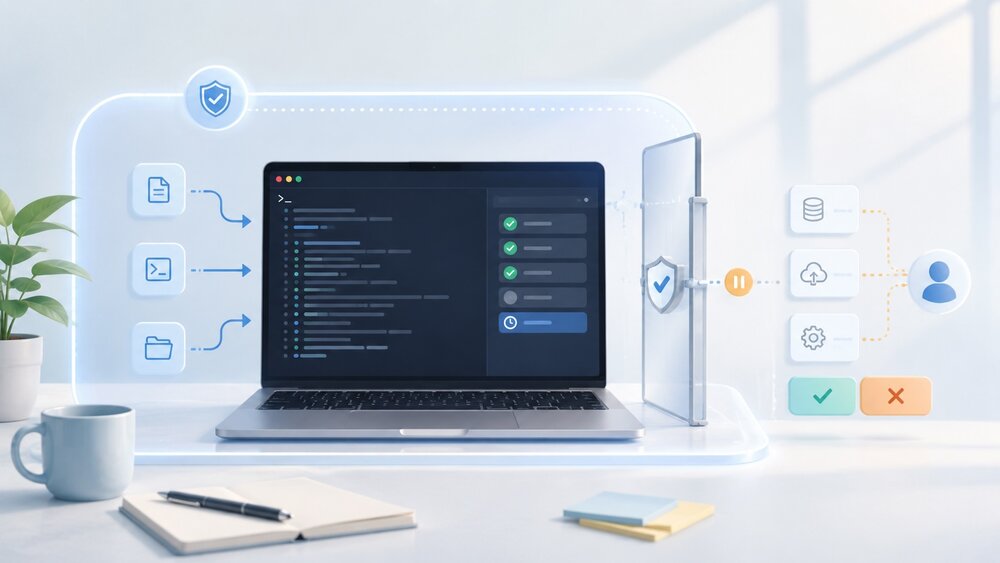
Claude Code Auto Mode Changes Approval Flow, Not the Safety Boundary
Claude Code Auto mode changes how approval decisions are handled. It does not expand the boundary of what the coding agent should be allowed to do.

Amnesia Stealer Shows the Next Stage of ClickFix on macOS
Amnesia Stealer shows how ClickFix-style social engineering is adapting on macOS, while a public malware sample gives defenders an opportunity to study the behavior behind the campaign.
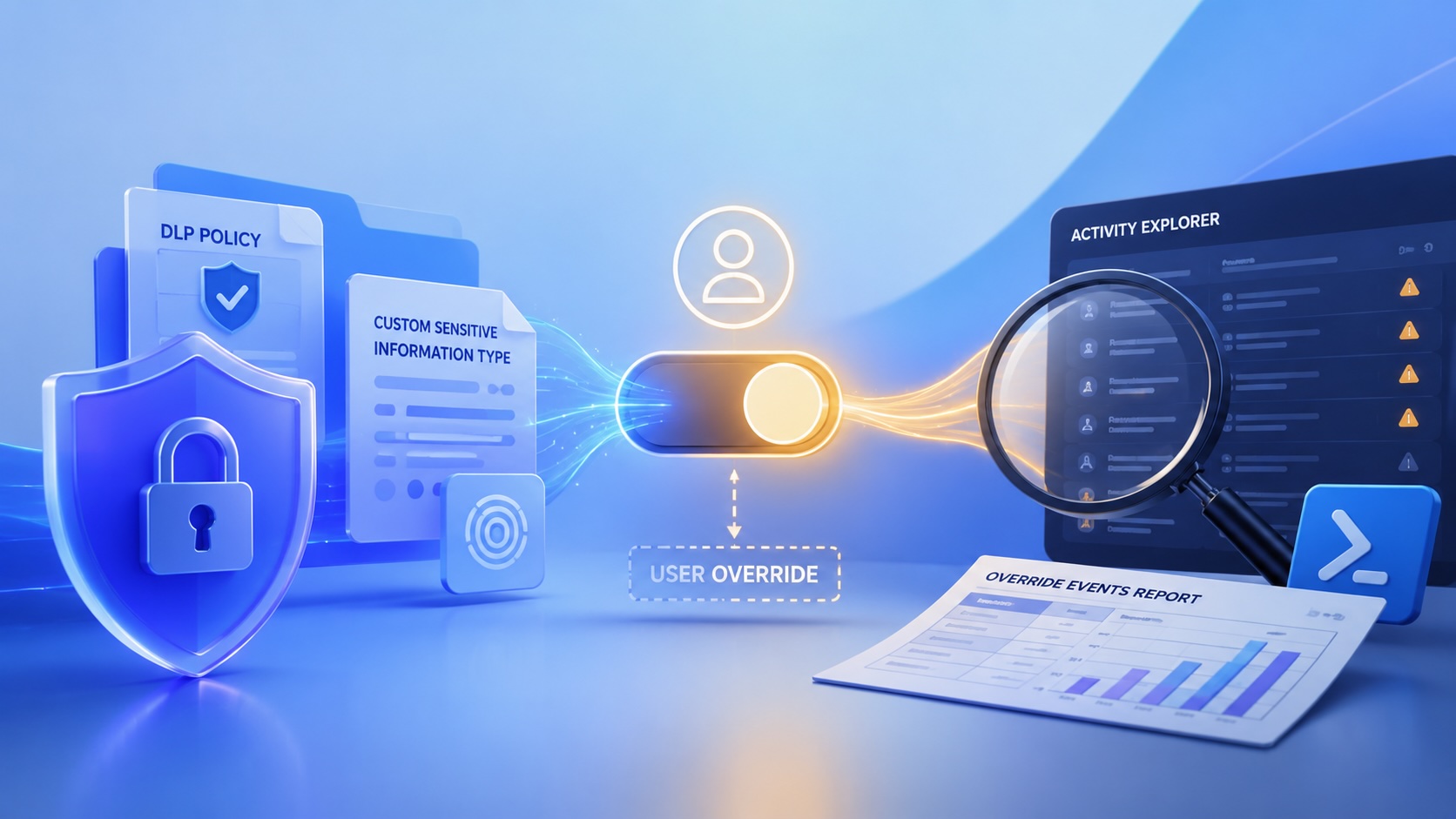
Reporting on Microsoft 365 DLP Overrides with PowerShell
DLP overrides are not automatically bad. They are a business process that needs visibility. This walkthrough covers a Microsoft Purview DLP policy, a custom sensitive information type, user override behavior, and a PowerShell report that exports override events from Activity Explorer.
PowerBook 140 BlueSCSI Install: Cable Fixed, Battery-Bay Power, and Wi-Fi Setup
The PowerBook 140 project moved from preparing a BlueSCSI card in Basilisk II to installing the repaired internal SCSI cable, powering the BlueSCSI Pico externally from the battery bay, booting System 7.1, and fighting through DaynaPORT Wi-Fi setup.
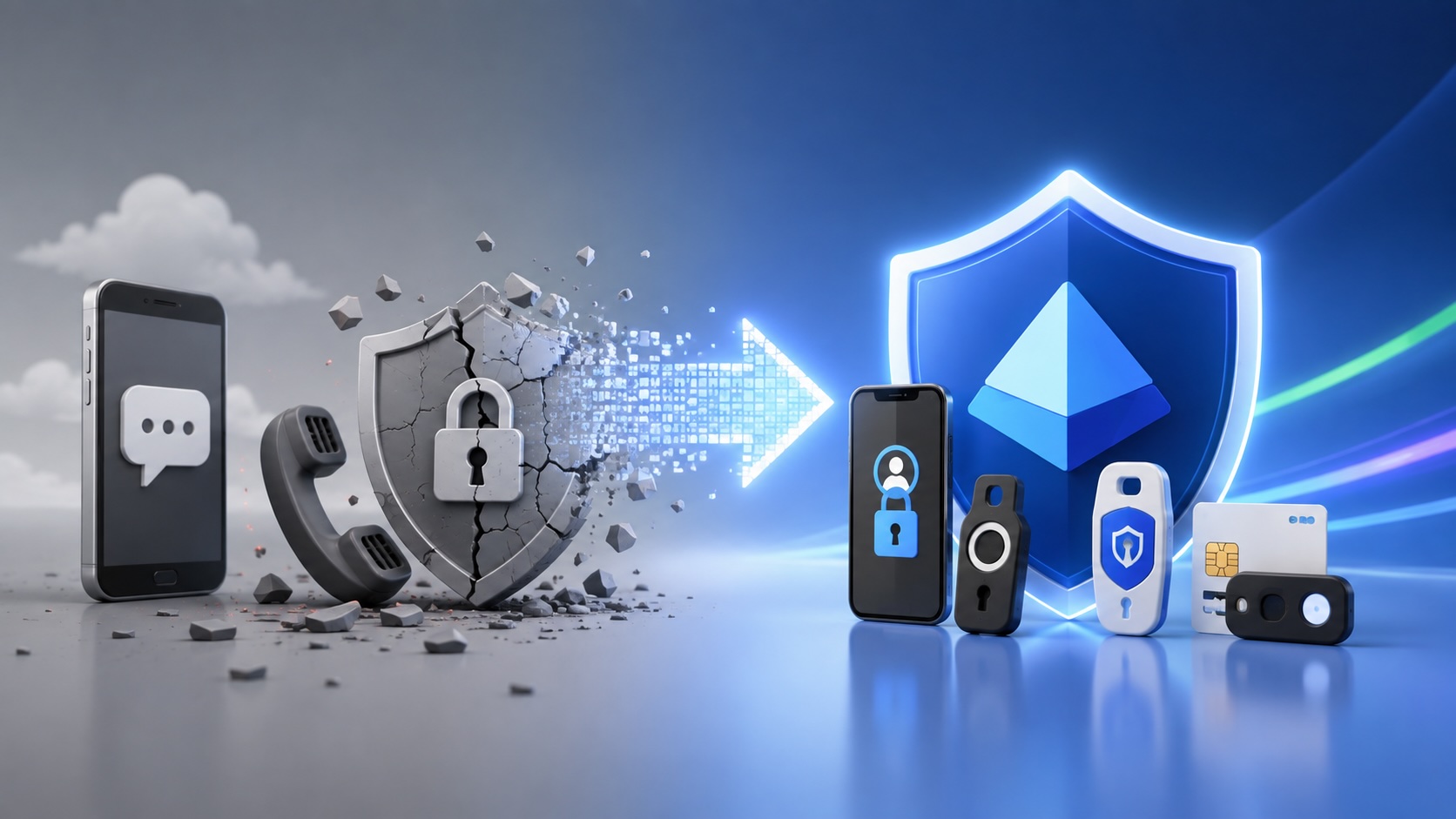
Move Entra Users Off SMS and Voice Before Microsoft Retires Them
Microsoft is retiring Microsoft-provided SMS and voice authentication in Entra ID. The migration is not passkeys for everyone; it is removing weak telecom MFA and choosing supported replacement methods such as Microsoft Authenticator, FIDO2 keys, certificate-based authentication, OATH hardware tokens, or customer-managed telecom.
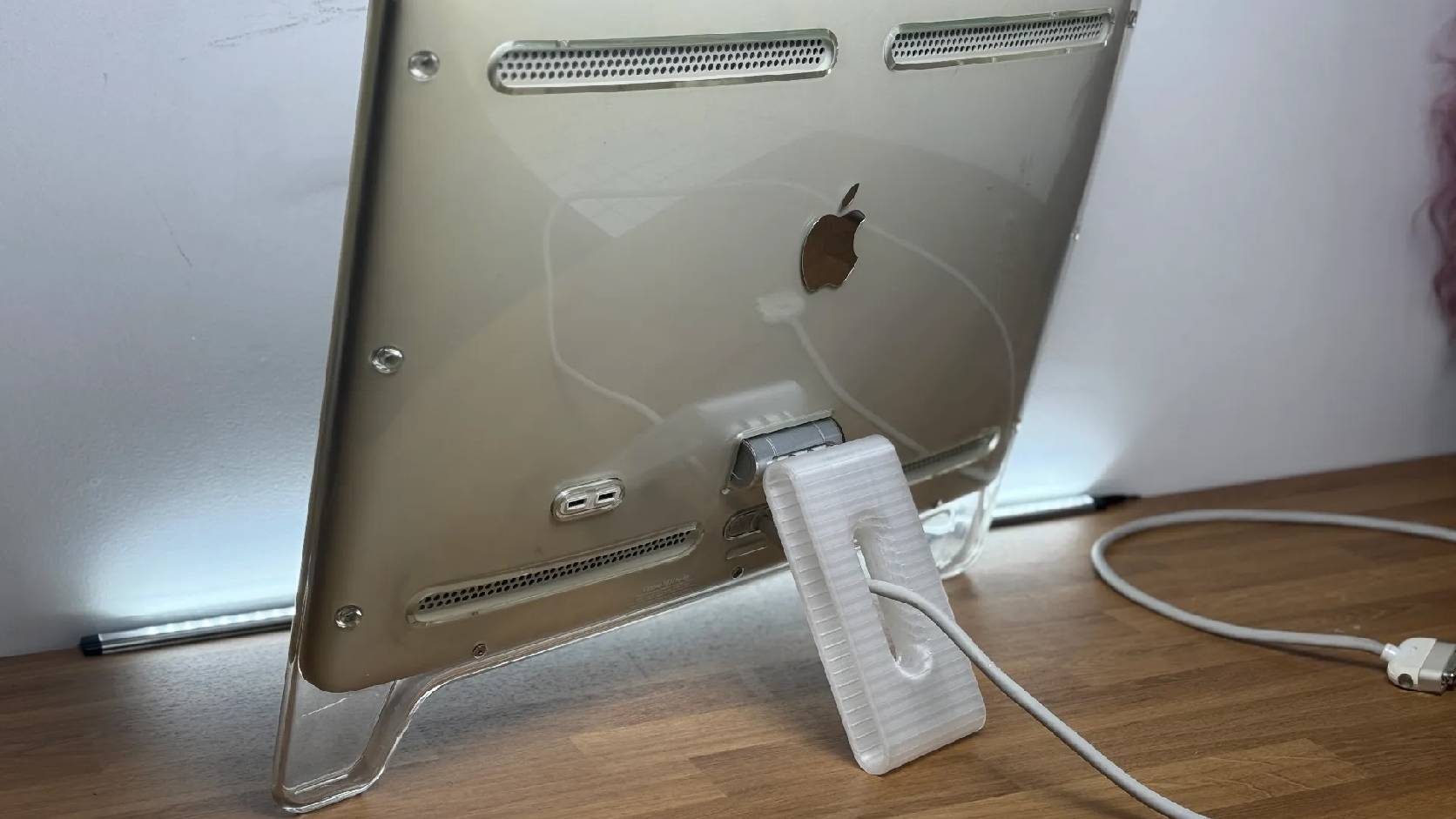
Fixing a Broken Apple Cinema Display Stand with a 3D Printed Leg
A 22-inch Apple Cinema Display arrived with a broken acrylic easel stand, so I used a 3D printed replacement leg instead of sending the monitor back.
macOS Tahoe 26.6.1 Fixes a High-Severity Screen Sharing Authentication Bypass
macOS Tahoe 26.6.1 fixes CVE-2026-65400, a high-severity Screen Sharing authentication issue where an attacker on the network may be able to authenticate without valid credentials.
