
Introducing Munki Theme Maker
For many Mac administrators in a variety of sectors an open source tool called Munki, a patch management tool, is more than prolifically used. Our mantra of being a technology agnostic consultancy agency exposes us to a wide range of Mac tools. Munki is one that we internally have used for years.
Last year at the Mac Admins Conference at Penn State we gave a talk and showed off a script that we had been using internally to take the Munki product and make it fit more seamlessly into the look and feel of any organization. On that note we are pleased to announce the next step release of that then script.
Munki Theme Maker takes the concepts of the script that we demonstrated and wraps it with an elegant GUI interface making it easy for even the novice Mac Admin to take it off the shelf and start creating a custom and branded experience for their Mac users.
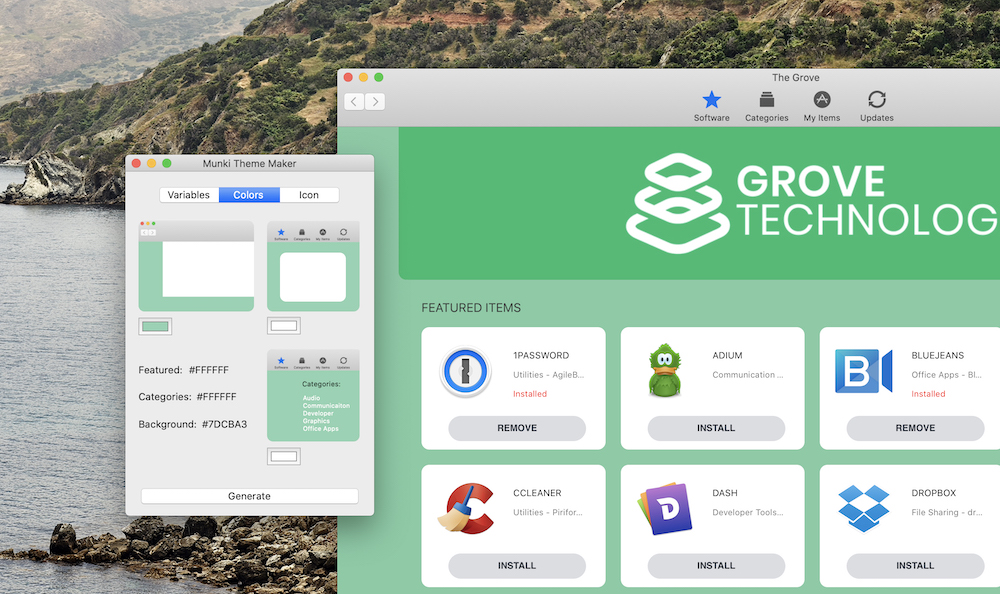
Munki Theme Maker allows you to create custom color based scheme themes for Munki. This app picks up on the amazing work of the Munki project and the Munki Rebrand project. The theme maker allows you to have a more modern color schemed UI made for your brand. Change the background color, featured item color and the sidebar link colors. The default new theme includes new icons on the top header row. More modern and clean rounded corner look and feel. Adding the sidebar to category pages as well as the main header slideshow or header graphic area.
Usage
Upon launching the app you must set all variables. If any variables or customized items are missing it will fail to run. The most important items are the Source Folder (Where Munki is downloaded and compiled), the Output folder where you will get 2 copies of Munki the unbranded and the branded and themed versions. The App Name (the new name of the Managed Software Update App that you wish it to be). The signing certificate authority (for use when signing the final package - Developer ID Installer) and the App certificate authority (for used to sign the binaries of Munki - Developer ID Application).
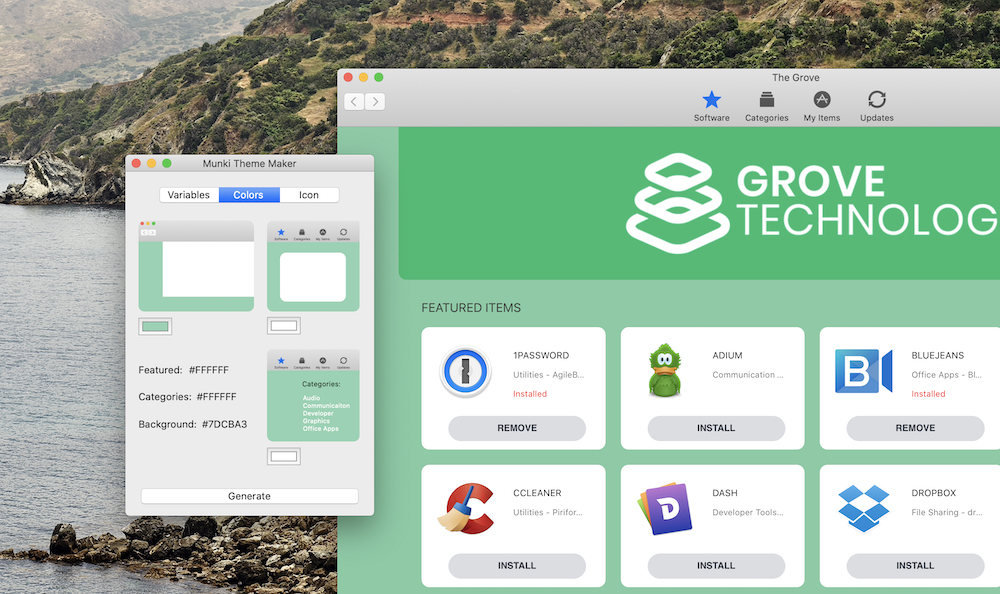
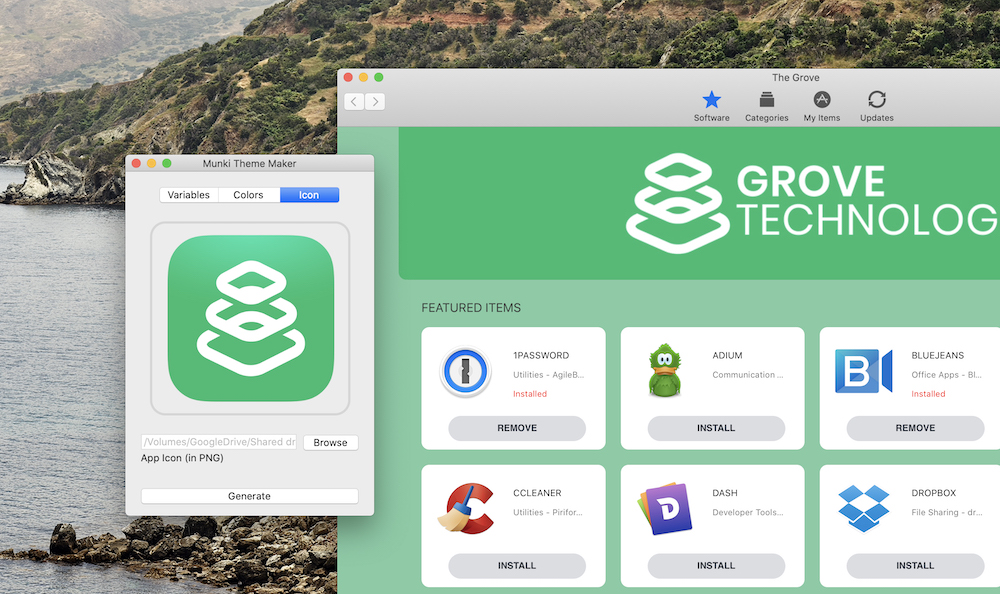
Pick the colors of the theme in the next tab (Colors) and then finally set the icon that you will use for the final touch. Once all set hit “Generate” and let the Munki Theme Builder do its thing.
It will download and clone into your source folder Munki, Munki Rebrand and the base Munki Theme with all injectable files. Injection happens, and then Munki builds.
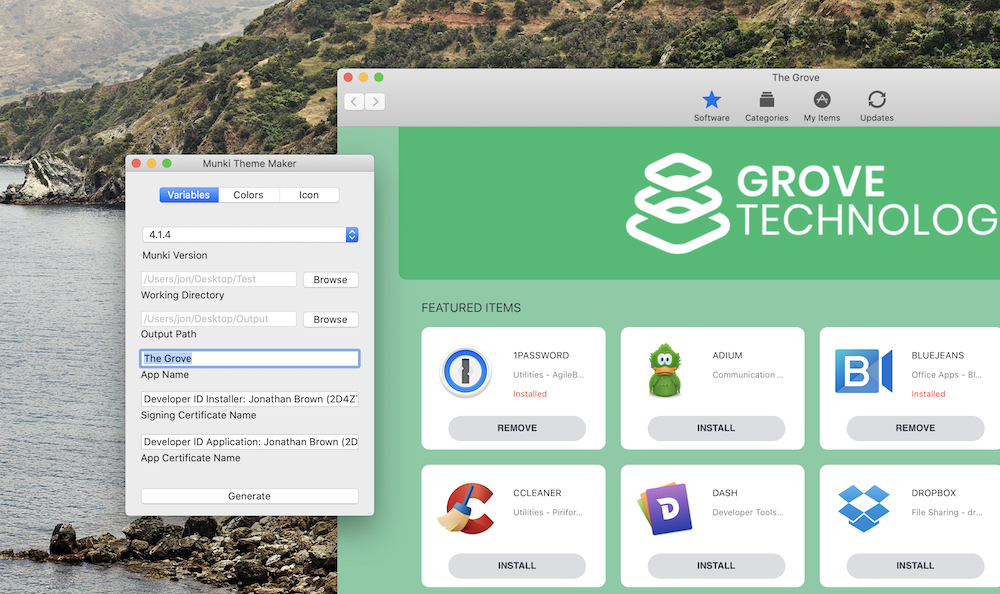
The App has backwards compatibility for Munki version 4.1.4 as of writing this through to version 5.0.0. We plan to relase new baseline themes and modifications for each dot iteration of the Munki core release.
Open Source
We are opening this up to the Mac Admin’s community with hopes that Munki Theming and or native support for easy to manage themes for the Munki GUI interface will become more prolifically used and supported. Version 1.0 is now available for download in full source mode or as a precompiled and signed (not notarized ) download. Pull requests are welcome!
Here is a little video of it in action. We hope you love it!
AI Usage Transparency Report
Pre-AI Era · Written before widespread use of generative AI tools
AI Signal Composition
Score: 0.03 · Low AI Influence
Summary
Munki Theme Maker is a GUI interface for creating custom and branded themes for Munki. It allows users to change the background color, featured item color, and sidebar link colors. The default new theme includes new icons on the top header row and a more modern and clean rounded corner look and feel.
Related Posts
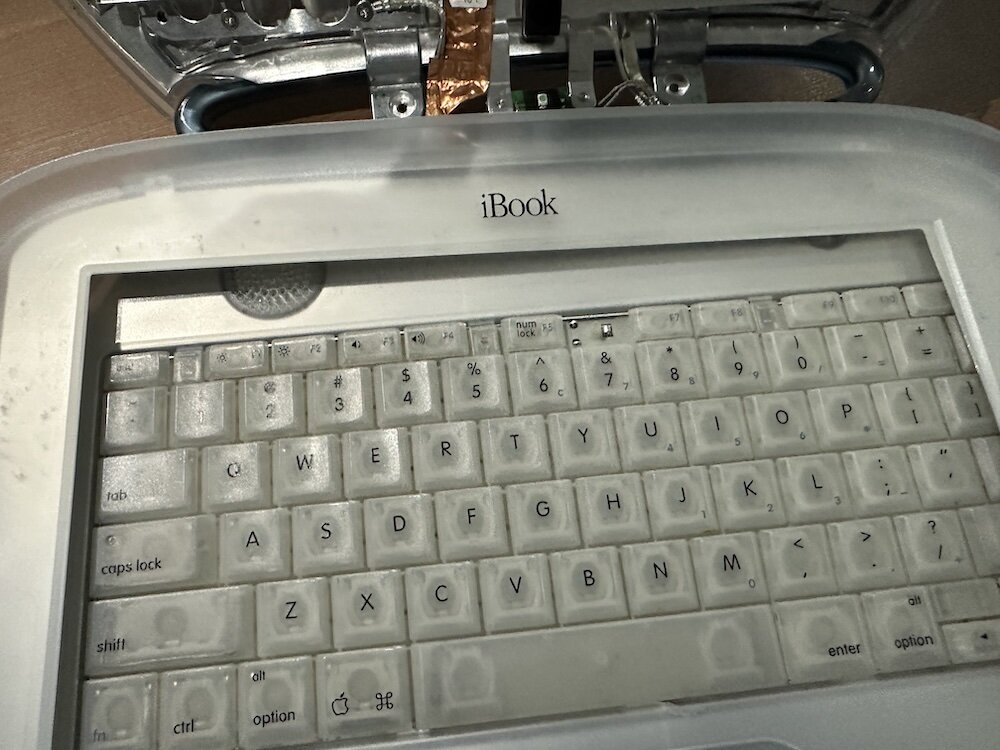
Clamshell iBook G3 Restoration, Part 1: From Broken Screen to Board-Level Repair
Part one of a Clamshell iBook G3 restoration: a broken screen, a charger detour, a blinking system folder, a full teardown, and the backlight connector mistake that paused the project.

Bromure Gives Codex a Room of Its Own
I installed Bromure Agentic Coding, watched it build the Linux VM, authenticated Codex, and followed a real Codex task through the workspace.
Claude Code Auto Mode Changes Approval Flow, Not the Safety Boundary
Claude Code Auto mode changes how approval decisions are handled. It does not expand the boundary of what the coding agent should be allowed to do.

Amnesia Stealer Shows the Next Stage of ClickFix on macOS
Amnesia Stealer shows how ClickFix-style social engineering is adapting on macOS, while a public malware sample gives defenders an opportunity to study the behavior behind the campaign.
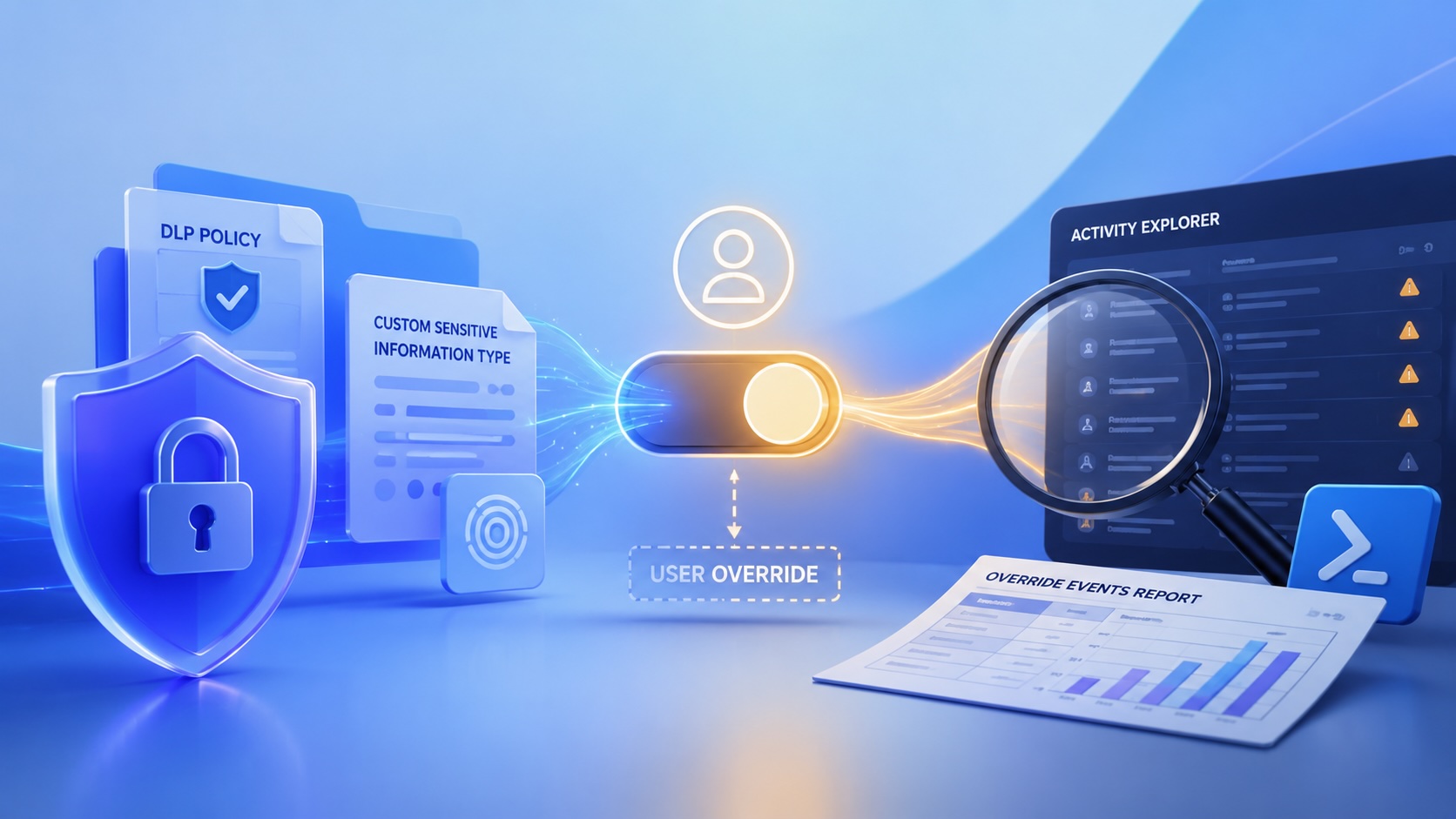
Reporting on Microsoft 365 DLP Overrides with PowerShell
DLP overrides are not automatically bad. They are a business process that needs visibility. This walkthrough covers a Microsoft Purview DLP policy, a custom sensitive information type, user override behavior, and a PowerShell report that exports override events from Activity Explorer.
PowerBook 140 BlueSCSI Install: Cable Fixed, Battery-Bay Power, and Wi-Fi Setup
The PowerBook 140 project moved from preparing a BlueSCSI card in Basilisk II to installing the repaired internal SCSI cable, powering the BlueSCSI Pico externally from the battery bay, booting System 7.1, and fighting through DaynaPORT Wi-Fi setup.

Move Entra Users Off SMS and Voice Before Microsoft Retires Them
Microsoft is retiring Microsoft-provided SMS and voice authentication in Entra ID. The migration is not passkeys for everyone; it is removing weak telecom MFA and choosing supported replacement methods such as Microsoft Authenticator, FIDO2 keys, certificate-based authentication, OATH hardware tokens, or customer-managed telecom.
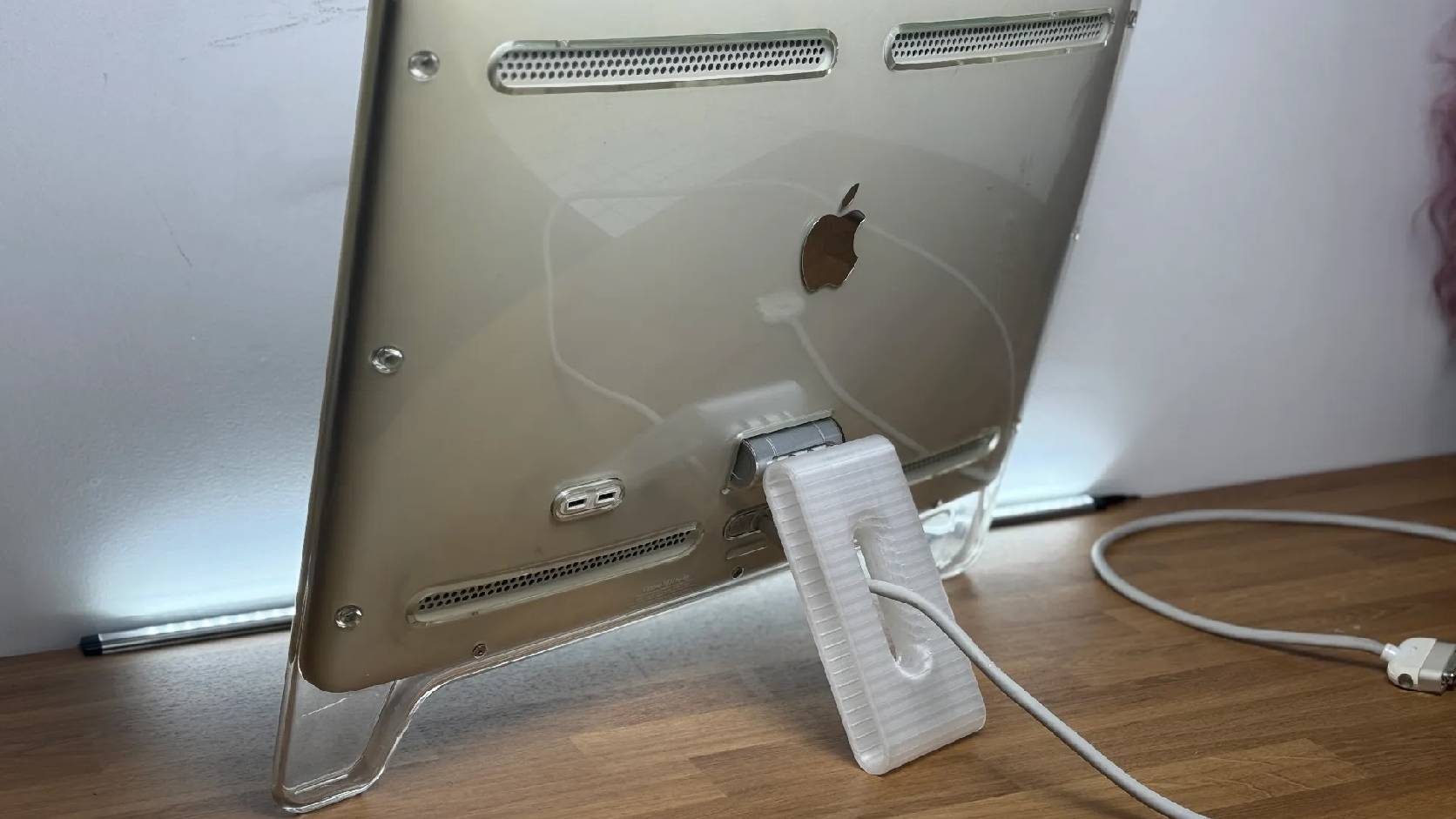
Fixing a Broken Apple Cinema Display Stand with a 3D Printed Leg
A 22-inch Apple Cinema Display arrived with a broken acrylic easel stand, so I used a 3D printed replacement leg instead of sending the monitor back.

macOS Tahoe 26.6.1 Fixes a High-Severity Screen Sharing Authentication Bypass
macOS Tahoe 26.6.1 fixes CVE-2026-65400, a high-severity Screen Sharing authentication issue where an attacker on the network may be able to authenticate without valid credentials.

Three Mac Update Helpers That Fit Below a Patch Platform
Latest, Applite, and an all-in-one macOS update script each solve a different part of lightweight Mac maintenance: app update visibility, Homebrew-backed app management, and command-line package updates that can be wrapped carefully for small teams or basic MDM.
