
Apple Is Driving the iPhone to eSIM? Here's What You Need to Know
Perhaps the most surprising change in the iPhone 14 line, at least in the United States, was the shift from using removable SIM cards to eSIM.
Until watchOS 9, Low Power Mode on the Apple Watch turned the smartwatch into a dumb watch that only told the time. With watchOS 9 on an Apple Watch Series 4 or later, however, a new Low Power Mode reduces the watch's capabilities while keeping it largely functional. It turns off the Always-On display, heart rate notifications, background heart rate and blood oxygen measurements, and the automatic start workout reminder. When your iPhone isn't nearby, it disables Wi-Fi and cellular connections and incoming phone calls and notifications. Other features will...
Back in 2017, when Apple added the notch to the iPhone X for Face ID, the resulting loss of usable screen real estate caused the company to remove the battery percentage indicator from the status area. Since then, you've only been able to estimate how much battery life you had left from the icon; you had to open Control Center to see the numeric percentage. In iOS 16, however, Apple has revived the battery percentage indicator for Face ID iPhones, building it into the battery icon itself so it doesn't...
The iPhone has long been able to play clicking sounds when you tap the keys on the virtual keyboard, but that feedback, while sometimes welcome, can become annoying when you're trying to be quiet. A new feature in iOS 16 provides haptic feedback---tiny taps you can feel in your fingertips as you tap keys on the keyboard. It's a subtle but highly effective way of mimicking a real keyboard, and we encourage you to try it. Turn the feature on in Settings \> Sounds & Haptics \> Keyboard Feedback. (While...
We've recently worked with a few clients who were paying too much for their Internet or cellular service. Internet service providers (ISPs) and cellular carriers occasionally adjust their service plans to account for new technologies, economies of scale, changing competitive landscapes, and marketing efforts. Sometimes they'll increase speeds or capabilities across the board, but more often, when they debut new plans, current customers are grandfathered into their existing plans, often without notification. Upgrading to a new, better plan is usually simple---first, check the plan details on your ISP's or cellular...
In a series of press releases---no big video event this time---Apple has announced upgrades to the iPad, iPad Pro, and Apple TV. The new models are largely evolutionary, with changes that are welcome but unlikely to change your iPad or Apple TV experience. All are available to order now, with the new iPads arriving on October 26th and the new Apple TV hitting stores on November 4th. As usual, these updates bring incremental improvements to performance, camera capabilities, and storage options, but don't represent a major departure from existing models....
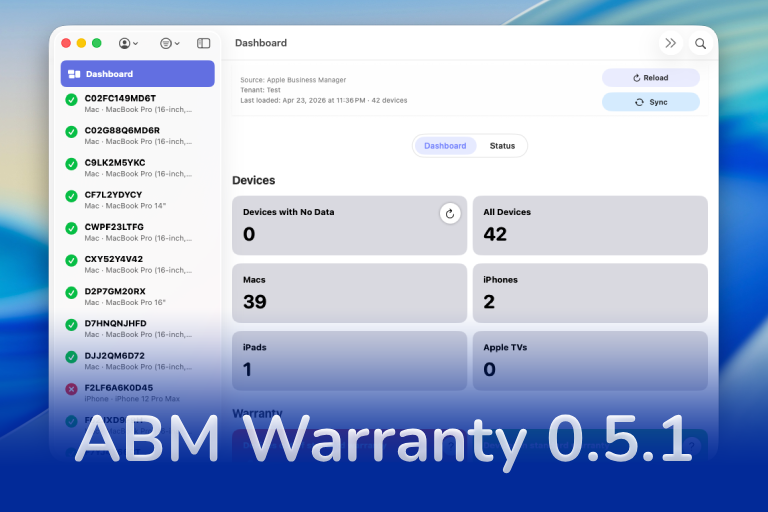
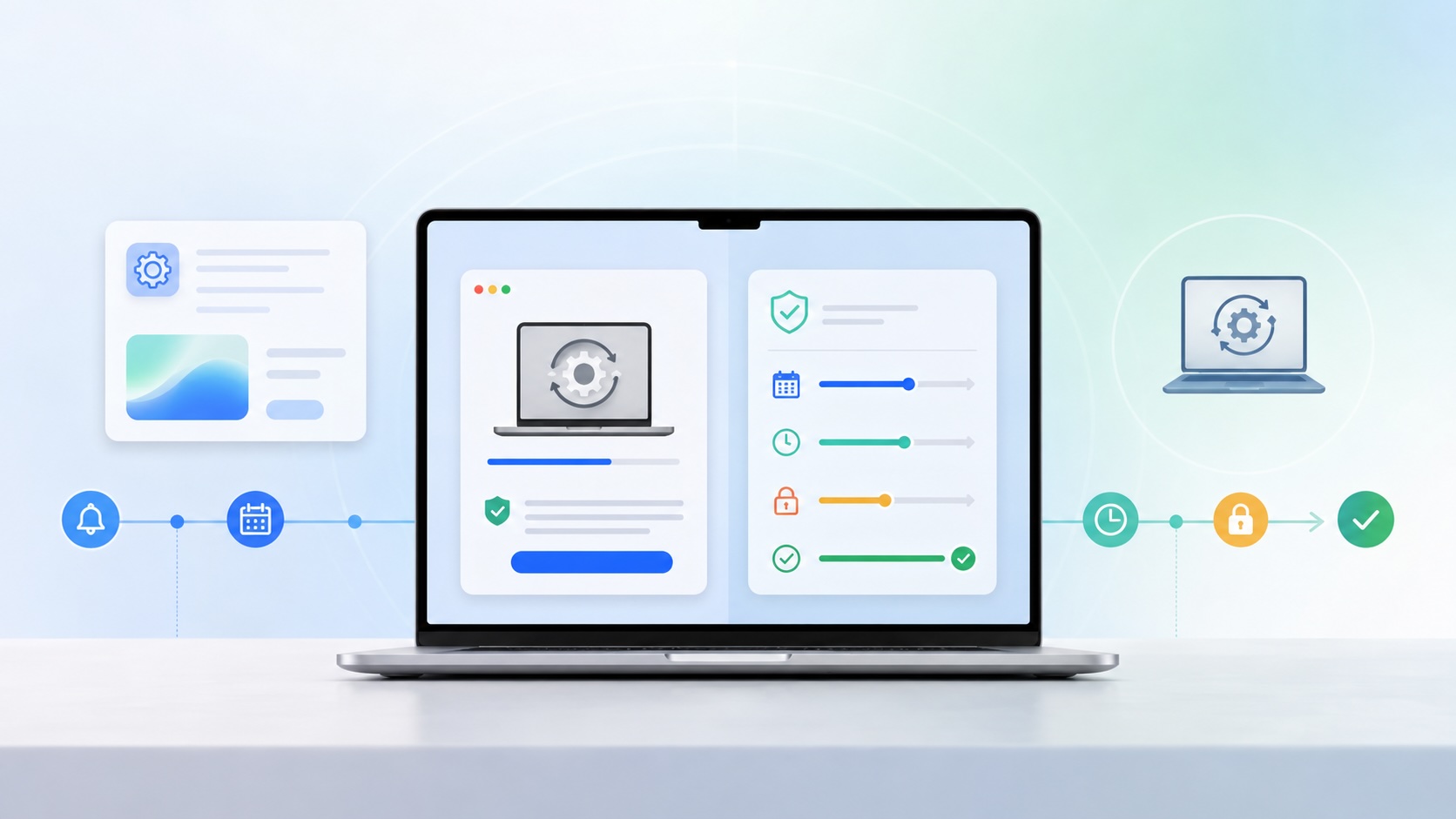
ABM Warranty 0.5.0 expands the platform with tenant-aware desktop widgets and notifications, giving teams clear, real-time visibility into fleet health, expiring coverage, and devices requiring attention across ABM/ASM environments. This release introduces a powerful CLI for managing notifications and sync workflows, alongside a new job-based architecture with chunking, sync history tracking, and an enterprise sync mode designed to scale with large device fleets. Additional enhancements include API credential rotation for security-conscious organizations, notification muting for known exceptions, forward-compatible database migration paths, and full localization support across 10 languages for global...
Local LLMs have rapidly evolved beyond text and are now capable of producing high-quality images directly on-device. For users running Apple Silicon machines—especially M-series Mac Studios and MacBook Pros—this represents a major shift in what’s possible without relying on cloud services. Just a few years ago, image generation required powerful remote GPUs, subscriptions, and long processing times. Today, thanks to optimized models and Apple’s Metal acceleration, you can generate and edit images locally with impressive speed and quality. The result is a workflow that is faster, private, and entirely under...
In this final ABM Warranty 0.4.1 walkthrough, I’m wrapping up the last features I had not covered directly in the earlier videos and then focusing on support, community, and the beta program. I also want to show where the support resources live inside the app so you know where to go if you need help, documentation, or a way to send useful feedback. Additionally, I'll be covering some of the key features that were updated since the previous version, including any bug fixes or improvements made to existing functionality.
In this part of the ABM Warranty 0.4.1 walkthrough series, I'm focusing on managed preferences and the credential packaging workflow. In the last video, I covered multiple credentials inside the app itself. In this one, I'm showing how to package those credentials so they can be deployed securely through MDM. This process is a crucial step in ensuring that your credentials are properly configured and protected within your organization's mobile device management system.
Today I’m walking through Low Profile, a utility from Nindi Gill that I use when I want to inspect profiles already installed on a Mac and figure out whether those profiles contain issues I need to clean up. The value is that Low Profile gives me a straightforward way to inspect profiles installed on any Mac. This simplicity makes it easy for me to identify and address potential problems, which is especially useful when working with multiple machines or troubleshooting complex profile configurations.
In this part of the ABM Warranty 0.4.1 walkthrough series, I’m focusing on multiple credentials. In the first video, I showed the basic setup and how to add a single credential. Now, I want to explore what happens when I remove a credential, what changes occur when I add more than one, and how the app behaves once there are multiple contexts in play. This will help clarify any potential issues or inconsistencies that may arise with multiple credentials.
In this first ABM Warranty 0.4.1 walkthrough, I want to show you what the app actually does before I get into the more specific feature videos. This is the broad introduction. I’m walking through the dashboard, how I think about the warranty cards, how released devices are handled, how the filters work, how to add credentials, where the data is stored locally, and what the logging and security model looks like.
The 0.4.x release series for ABM Warranty is focused on operational scale. The earlier 0.3 releases were about trust, correctness, and stabilizing the foundation. Version 0.4.1 builds directly on that work by making the app more practical for consultants, internal IT teams, and managed service providers who need to support multiple environments without losing isolation, control, or visibility. This includes improvements to user interface and workflow, as well as enhanced reporting capabilities to help these users manage their workflows more efficiently.
Download ABM Warranty
Security and risk are often treated as interchangeable concepts in modern IT environments, but they are not the same discipline. Security focuses on controls, enforcement, and prevention. Risk management, by contrast, is concerned with likelihood, impact, and consequence across operational, financial, and organizational domains. Frameworks such as those published by NIST make this distinction explicit: risk assessment is not a technical exercise, but a business one. Technology informs risk decisions, but it does not define them.
Caches pile up, apps leave behind junk, and disk space slowly disappears. While there are plenty of GUI tools out there, most of them either lack transparency or feel overly bloated.
As a Mac admin, I'm always on the lookout for tools that make my life easier and more efficient. Recently, I stumbled upon Pique - a brilliant Quick Look plugin created by Henry Stamerjohann that allows you to view file contents in a syntax highlighted way.
In this final ABM Warranty 0.4.1 walkthrough, I’m wrapping up the last features I had not covered directly in the earlier videos and then focusing on support, community, and the beta program. I also want to show where the support resources live inside the app so you know where to go if you need help, documentation, or a way to send useful feedback. Additionally, I'll be covering some of the key features that were updated since the previous version, including any bug fixes or improvements made to existing functionality.
In this part of the ABM Warranty 0.4.1 walkthrough series, I'm focusing on managed preferences and the credential packaging workflow. In the last video, I covered multiple credentials inside the app itself. In this one, I'm showing how to package those credentials so they can be deployed securely through MDM. This process is a crucial step in ensuring that your credentials are properly configured and protected within your organization's mobile device management system.
A few days ago I released a review of QuickPKG, a tool I love and use almost daily. What I really love about packaging and QuickPKG is that no matter what Mobile Device Management (MDM) solution I'm working with at any given moment, it provides a universal way to create a quick package to import into JAMF, Mosyle, or any MDM. This consistency is particularly valuable when switching between projects or environments, as the process remains the same regardless of the specific MDM being used.
Today I’m walking through Low Profile, a utility from Nindi Gill that I use when I want to inspect profiles already installed on a Mac and figure out whether those profiles contain issues I need to clean up. The value is that Low Profile gives me a straightforward way to inspect profiles installed on any Mac. This simplicity makes it easy for me to identify and address potential problems, which is especially useful when working with multiple machines or troubleshooting complex profile configurations.
In this part of the ABM Warranty 0.4.1 walkthrough series, I’m focusing on multiple credentials. In the first video, I showed the basic setup and how to add a single credential. Now, I want to explore what happens when I remove a credential, what changes occur when I add more than one, and how the app behaves once there are multiple contexts in play. This will help clarify any potential issues or inconsistencies that may arise with multiple credentials.
I use QuickPKG when I need to turn an application, DMG, or ZIP file into a package quickly without wasting time in a heavier packaging workflow. This post follows the same path as my video: what QuickPKG is, where to get it, how I run it, what a simple packaging example looks like, and where I think admins need to be careful about potential pitfalls that can arise from using this tool.
In this first ABM Warranty 0.4.1 walkthrough, I want to show you what the app actually does before I get into the more specific feature videos. This is the broad introduction. I’m walking through the dashboard, how I think about the warranty cards, how released devices are handled, how the filters work, how to add credentials, where the data is stored locally, and what the logging and security model looks like.
One of the hardest transitions for a business owner is moving from constant delivery work toward the kind of leadership that allows the business to scale. It is difficult to focus on the business when you are still carrying too much of the day-to-day burden yourself. Even when growth creates more resources, that does not automatically mean the work can be shared effectively right away. In fact, it's common for owners to struggle with delegating tasks and trusting others to handle responsibilities, leading to a prolonged period of burnout and...
Effective team communication becomes far more important as a business moves from a small, familiar operating rhythm into a larger and more dynamic environment. When you are used to running a business as an owner-operator, much of the context lives in your head. Decisions move quickly because you already know the clients, the priorities, and the reasons behind each choice. In a larger organization, that same instinct does not scale without stronger communication.
When clients hear that a company has merged, their first assumption is often that the change is being driven by money rather than service. That reaction is understandable. If the business already seemed stable, a merger can look like a move that benefits ownership far more than it benefits the customer. That is why one of the most important parts of any merger is proving, through action, that the client experience will improve rather than decline.
Building a strong team after a merger is rarely as simple as adding headcount. From the outside, it can seem like joining a larger organization should immediately create more capacity, more support, and a clearer path to growth. In practice, that is not always how it works. A merger may provide a stronger platform, but it does not automatically come with an instant staffing plan or a perfect roadmap for how responsibilities will be divided.
Transitioning from business owner to employee is one of the hardest identity shifts an entrepreneur can make. Running your own company means you are used to setting priorities, making final decisions, and carrying direct responsibility for the outcome. After an acquisition, that changes quickly. You may still have leadership responsibilities, but you are now operating inside a larger structure where authority is shared and not every decision is yours to make.
Acquisition changes more than ownership. It changes how you work, how you lead, and how much control you have over the decisions that shape the business every day. That shift can be harder than many owners expect, especially when you have spent years operating with full authority and direct accountability for every client relationship. As a result, it's not uncommon for acquired businesses to experience an adjustment period during which they adapt to new systems, processes, and expectations.
One of the most practical ways to improve client support is to meet people where they already communicate. For many clients, that means text messaging. When used correctly, SMS can become a fast, effective support channel that reduces friction, improves response times for simple issues, and creates a cleaner record of day-to-day interactions. This approach also allows support teams to respond quickly to urgent matters, while keeping the conversation history organized and easily accessible for future reference.
Apple Business Chat is one of the most practical examples of how modern tech support can become faster, cleaner, and easier for both clients and technicians. For support teams that already rely on SMS-style communication, it is not just another channel. It is a more structured way to bring real-time support into the Apple ecosystem while keeping the business side of the interaction organized. This approach allows support teams to maintain control over the conversation flow, ensuring that issues are resolved efficiently and effectively without unnecessary back-and-forth.
Growing a team sounds straightforward on paper, but in practice it introduces costs and complexity that many business owners underestimate. It is easy to model growth by assuming that one additional person will quickly become productive, bill enough work, and create immediate operational relief. What often happens instead is that the owner has to spend significant time training, onboarding, and correcting work before that new hire becomes a true net gain.
macOS has earned a strong reputation for built-in security, but the real value of the platform is not just that protections exist. It is that Apple continues pushing the operating system toward more context-aware security decisions that help users make better choices before a problem becomes a breach. This approach allows users to understand and mitigate potential risks in real-time, rather than simply reacting to threats after they've occurred.