
Homebrew makes software feel close.
One command and the tool is there. That is why I like it, and it is also why I do not want the install command to be the trust decision. A formula or cask can be popular, useful, and easy to install while still deserving a short review before it becomes part of a Mac admin workflow.
The check I want is not complicated. I want to know what Homebrew thinks the package is, where it comes from, whether the upstream project is still alive, whether the installed version is current, and whether Homebrew can still resolve it cleanly.
Mole is a good example because I had already installed it, tested it, wrote a Mole walkthrough, and recorded a video. It is popular enough to feel safe at a glance. The useful part of this follow-up is using Homebrew itself to check that feeling.
Start with what Homebrew knows
The first command is brew info.
brew info mole
On my Mac, that returned:
==> mole: 1.32.0 → stable 1.44.0 (bottled), HEAD
Deep clean and optimize your Mac
https://mole.fit
Installed (on request)
From: https://github.com/Homebrew/homebrew-core/blob/HEAD/Formula/m/mole.rb
License: GPL-3.0-or-later
==> Installed Kegs and Versions
mole 1.32.0 → 1.44.0 (56 files, 8.5MB) [Linked]
==> Options
--HEAD
	Install HEAD version
==> Analytics
install: 37,429 (30 days), 102,798 (90 days), 165,066 (365 days)
install-on-request: 37,385 (30 days), 102,749 (90 days), 165,021 (365 days)
build-error: 129 (30 days)
That output gives me several immediate checks.
The package is installed on request, not merely pulled in as a dependency. My local version is 1.32.0, while Homebrew knows about stable 1.44.0. The formula comes from homebrew-core. The package is bottled. The analytics show meaningful adoption, with 37,429 installs in 30 days.
None of that proves the tool is safe. It does tell me the package is visible, actively distributed through Homebrew, and worth inspecting further. It also tells me I am behind the current stable version, which is exactly the sort of thing I want to know before I keep trusting a local install.
For casks, I use the same first pass with the cask flag:
brew info --cask firefox
The fields differ because casks install precompiled upstream binaries rather than building from source, but the goal is the same: identify the upstream homepage, version, artifact, auto-update behavior, requirements, and whether Homebrew still has a clean record for it.
Homebrew’s own terminology makes this distinction explicit: a formula builds from upstream sources, while a cask installs precompiled binaries built and signed by upstream. That difference changes what I inspect next.
Read the package definition
The second command is brew cat.
brew cat mole
For Mole, the local formula showed:
class Mole < Formula
  desc "Deep clean and optimize your Mac"
  homepage "https://github.com/tw93/Mole"
  url "https://github.com/tw93/Mole/archive/refs/tags/V1.32.0.tar.gz"
  sha256 "f854128e209b787f3a12f257339bc8c27667047c88d61dd74f6c75e52b3a450b"
  license "MIT"
  head "https://github.com/tw93/Mole.git", branch: "main"

  livecheck do
    url :stable
    regex(/^v?(\d+(?:\.\d+)+)$/i)
  end

  no_autobump! because: :bumped_by_upstream

  depends_on "go" => :build
  depends_on :macos

  def install
    buildpath.glob("bin/*-go").map(&:unlink)
    ldflags = "-s -w -X main.Version=#{version} -X main.BuildTime=#{time.iso8601}"
    %w[analyze status].each do |cmd|
      system "go", "build", *std_go_args(ldflags:, output: buildpath/"bin/#{cmd}-go"), "./cmd/#{cmd}"
    end

    inreplace "mole", 'SCRIPT_DIR="$(cd "$(dirname "${BASH_SOURCE[0]}")" && pwd)"',
                      "SCRIPT_DIR='#{libexec}'"
    libexec.install "bin", "lib"
    bin.install "mole"
    bin.install_symlink bin/"mole" => "mo"
    generate_completions_from_executable(bin/"mole", "completion")
  end

  test do
    assert_match version.to_s, shell_output("#{bin}/mole --version")
    output = shell_output("#{bin}/mole clean --dry-run 2>&1")
    assert_match "Dry run complete - no changes made", output
  end
end
This is the highest-value Homebrew check in the sequence.
I can see the upstream source archive. I can see the checksum. I can see the license Homebrew recorded for the local formula. I can see that Homebrew builds parts of the tool with Go. I can see that prebuilt bin/*-go files are removed before build. I can see the installed command and the mo symlink. I can see the formula test.
For casks, brew cat --cask <name> answers different questions. It shows the download URL, version, checksum behavior, app artifact, binary shims, uninstall or zap behavior, and any caveats. If a cask uses sha256 :no_check, a broad URL, a discontinued vendor page, or a fragile installer path, I want to notice that before I standardize it.
This is where Homebrew helps, but does not replace judgment. The formula or cask is a map of the install path. I still have to read it.
Check whether the version story still works
The third command is brew livecheck.
brew livecheck mole
On my machine, this failed after Homebrew installed some developer Ruby dependencies:
Error: These formulae are not in any locally installed taps!

  mole

You may need to run `brew tap` to install additional taps.
That failure matters, but not because it proves anything bad about Mole.
brew info mole could still resolve the installed package and show the current stable version. brew cat mole could still show the local formula. The livecheck failure tells me something narrower: my local Homebrew tap/developer-command state was not clean enough for that verification path.
That is still useful. A due-diligence command that fails is not noise. It tells me which part of the verification chain did not work. In this case, I would not use livecheck as the final source of truth until I fixed the local tap state or checked the formula source directly.
The habit is the important part: do not treat a failed check as either proof of danger or proof that everything is fine. Work out what question the command was answering.
Compare that with a package Homebrew no longer wants to resolve
A healthy package gives me something to inspect. An abandoned or unsupported package often fails earlier.
OpenSSL 1.1.1 is a clean example because the upstream project has said the 1.1.1 series reached end of life on September 11, 2023 and no longer receives publicly available security fixes. When I ask current Homebrew for openssl@1.1, I do not get a package definition to trust:
brew info openssl@1.1
Error: No available formula with the name "openssl@1.1".
Did you mean openssl@3.5, openssl@3.0, openssl@4 or openssl@3?
brew search points me toward maintained alternatives instead:
brew search openssl@1.1
openssl@3.5
openssl@3.0
openssl@4
openssl@3
That is the contrast I want. Mole gives me metadata, source, checksum, install behavior, and version drift to inspect. openssl@1.1 gives me a stop sign and a migration direction. The OpenSSL upstream EOL notice explains why that matters: no public security fixes after the EOL date unless a different vendor or support contract covers your copy.
This is also why old cask names are worth checking before someone copies an outdated install command from a blog post or forum thread. When I checked old Flash cask names, Homebrew did not resolve them:
brew info --cask adobe-flash-player
Error: Cask 'adobe-flash-player' is unavailable: No Cask with this name exists.
That is the right result for software that reached end of life and became a common lure for malware. It also matches the broader Mac security lesson from the Shlayer incident, where a mistyped Homebrew site redirected to a fake Flash update page and delivered notarized malware. The issue there was not a Homebrew formula. The lesson is that trust begins with the source you asked for, the package manager record you can inspect, and the upstream project you can verify.
The review I want before trusting a formula or cask
For a formula:
brew info name
brew cat name
brew livecheck name
brew search name
For a cask:
brew info --cask name
brew cat --cask name
brew livecheck --cask name
brew search --cask name
I am looking for a few specific signals:
- Does Homebrew still resolve the package cleanly?
- Is it coming from
homebrew/core,homebrew/cask, or a third-party tap? - Does the source URL or cask URL match the upstream project I expected?
- Is there a checksum, or is checksum verification explicitly skipped?
- Is my installed version behind the current stable version?
- Does livecheck work, fail, or show that the package is no longer maintained?
- Does the package point to an upstream project that is archived, discontinued, or out of public security support?
- For casks, what app, binary, uninstall, zap, caveat, and auto-update behavior is Homebrew declaring?
That is enough to catch many bad assumptions before install. It will not catch every supply-chain problem, and it will not prove that a package is safe. A legitimate package can still have a vulnerable upstream release. A popular project can still make a bad decision. A checksum verifies the artifact Homebrew expected, not whether the software is appropriate for my environment.
But these checks move the decision out of vibes and into evidence. Mole looks much better after inspection because Homebrew can describe it, source it, checksum it, and tell me I am behind current stable. openssl@1.1 looks like something I should not chase because Homebrew no longer offers it and upstream public security support ended. Old Flash cask names are a reminder that unavailable packages and fake download paths should stop the workflow, not send me searching for a random installer.
That is the standard I want before I trust a Homebrew formula or cask: know what Homebrew is installing, know where it came from, know whether it is current, and know when the package manager is telling me to stop.
Sources
- Discovering Mole: A Command Line Utility for Mac Cleaning
- Mole video walkthrough
- tw93/Mole GitHub repository
- Homebrew Formula: mole
- Homebrew Documentation: brew manual
- Homebrew Documentation: Formula Cookbook
- Homebrew Documentation: Cask Cookbook
- OpenSSL 1.1.1 End of Life
- Wired: Apple Accidentally Approved Malware to Run on MacOS
AI Usage Transparency Report
AI Era · Written during widespread use of AI tools
AI Signal Composition
Score: 0.34 · Moderate AI Influence
Summary
Homebrew provides a way to inspect the metadata, source, checksum, install behavior, and version drift of installed packages.
Related Posts

When Chromium Mistakes Your VPN for a Local Network
Turning off Jamf Trust fixed the webinar, which normally would have sent me straight to its routing policies. This time the route was fine: Chromium was treating Jamf's ZTNA broker addresses as a local network, and an Edge and Chrome preference corrected it.
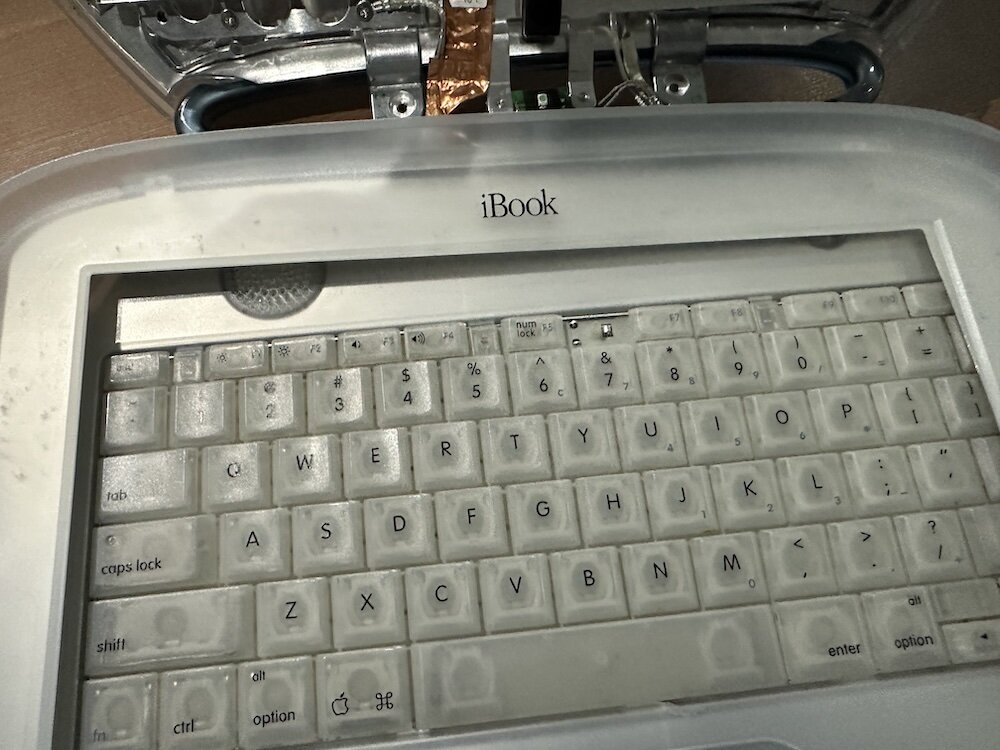
Clamshell iBook G3 Restoration, Part 1: From Broken Screen to Board-Level Repair
Part one of a Clamshell iBook G3 restoration: a broken screen, a charger detour, a blinking system folder, a full teardown, and the backlight connector mistake that paused the project.

Bromure Gives Codex a Room of Its Own
I installed Bromure Agentic Coding, watched it build the Linux VM, authenticated Codex, and followed a real Codex task through the workspace.

Claude Code Auto Mode Changes Approval Flow, Not the Safety Boundary
Claude Code Auto mode changes how approval decisions are handled. It does not expand the boundary of what the coding agent should be allowed to do.

Amnesia Stealer Shows the Next Stage of ClickFix on macOS
Amnesia Stealer shows how ClickFix-style social engineering is adapting on macOS, while a public malware sample gives defenders an opportunity to study the behavior behind the campaign.
Reporting on Microsoft 365 DLP Overrides with PowerShell
DLP overrides are not automatically bad. They are a business process that needs visibility. This walkthrough covers a Microsoft Purview DLP policy, a custom sensitive information type, user override behavior, and a PowerShell report that exports override events from Activity Explorer.
PowerBook 140 BlueSCSI Install: Cable Fixed, Battery-Bay Power, and Wi-Fi Setup
The PowerBook 140 project moved from preparing a BlueSCSI card in Basilisk II to installing the repaired internal SCSI cable, powering the BlueSCSI Pico externally from the battery bay, booting System 7.1, and fighting through DaynaPORT Wi-Fi setup.

Move Entra Users Off SMS and Voice Before Microsoft Retires Them
Microsoft is retiring Microsoft-provided SMS and voice authentication in Entra ID. The migration is not passkeys for everyone; it is removing weak telecom MFA and choosing supported replacement methods such as Microsoft Authenticator, FIDO2 keys, certificate-based authentication, OATH hardware tokens, or customer-managed telecom.
Fixing a Broken Apple Cinema Display Stand with a 3D Printed Leg
A 22-inch Apple Cinema Display arrived with a broken acrylic easel stand, so I used a 3D printed replacement leg instead of sending the monitor back.

macOS Tahoe 26.6.1 Fixes a High-Severity Screen Sharing Authentication Bypass
macOS Tahoe 26.6.1 fixes CVE-2026-65400, a high-severity Screen Sharing authentication issue where an attacker on the network may be able to authenticate without valid credentials.
